

Only available for Chatflow and Workflow apps right now.
How it works
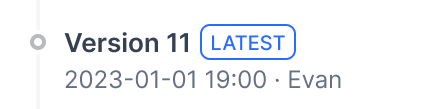
Current Draft: Your working version. This is where you make changes. Not live for users. Latest Version: The live version users see.
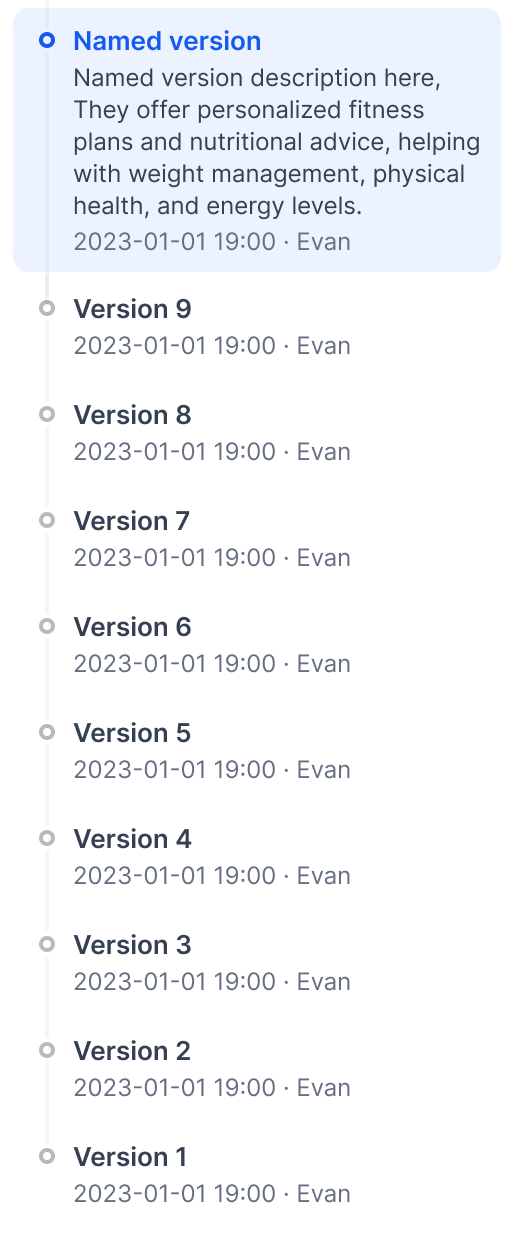
 Previous Versions: Older published versions.
Publishing versions
Click Publish → Publish Update to make your draft live.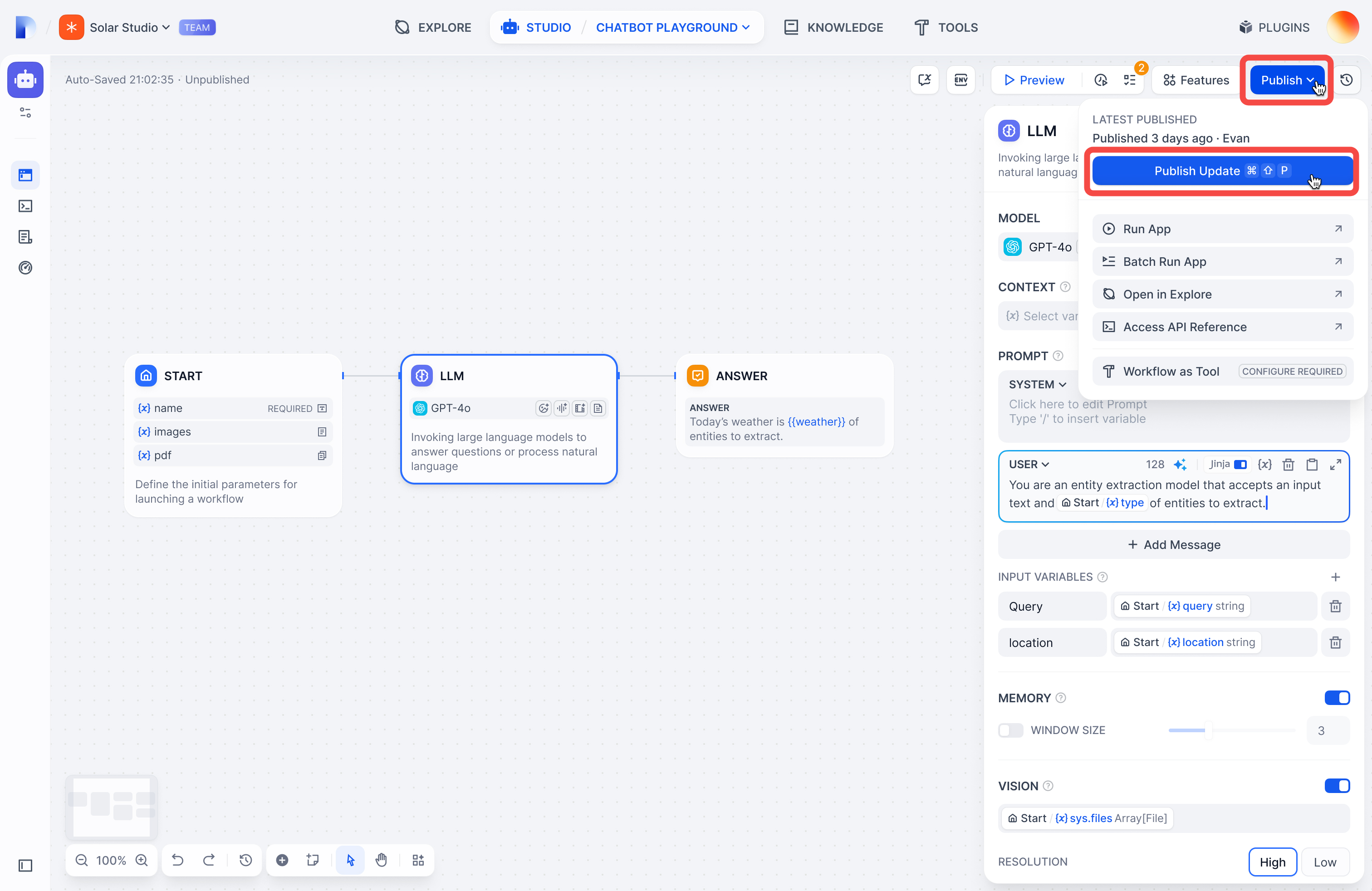 Your draft becomes the new Latest Version, and you get a fresh draft to work in.
Viewing versions
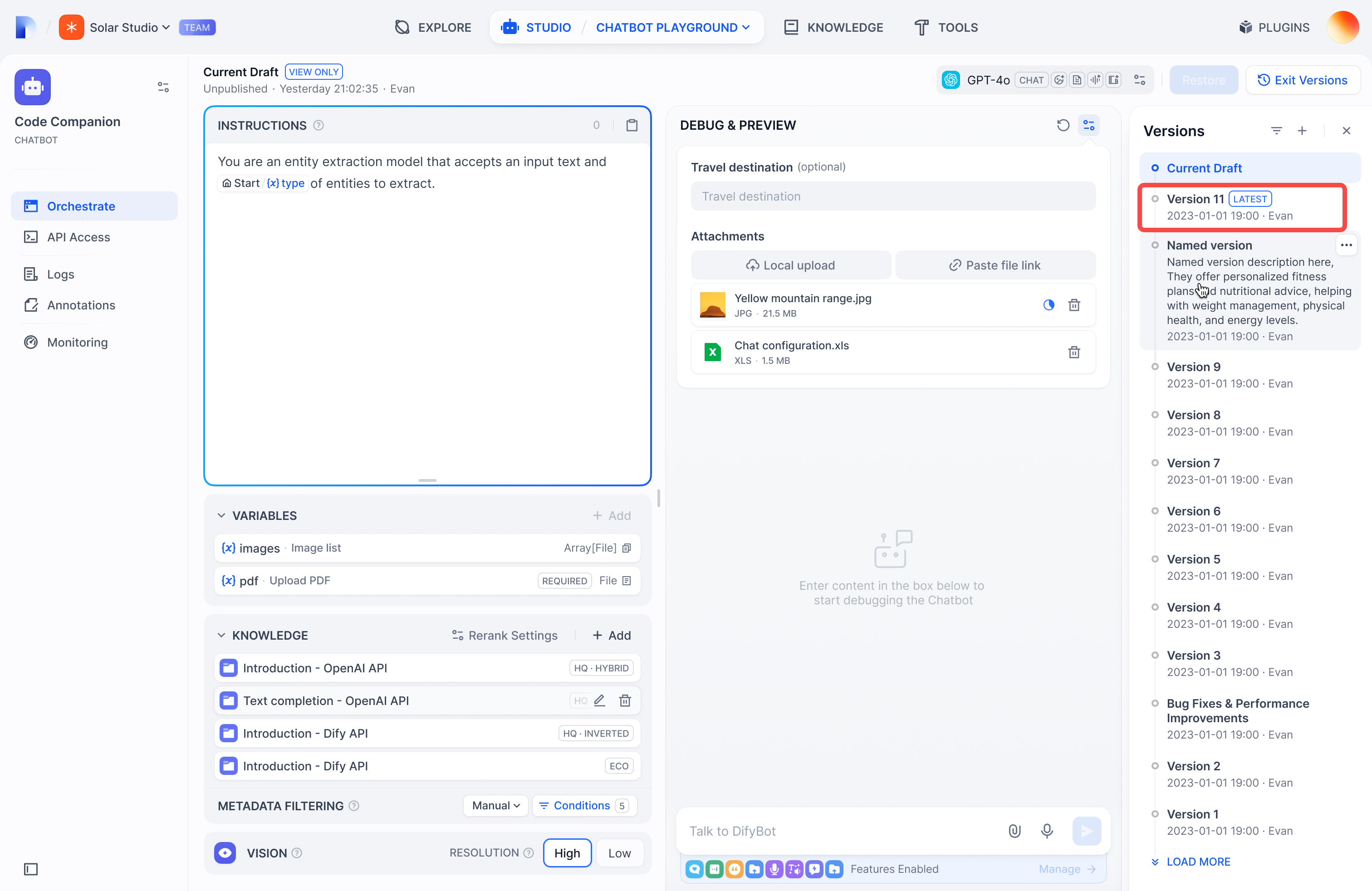
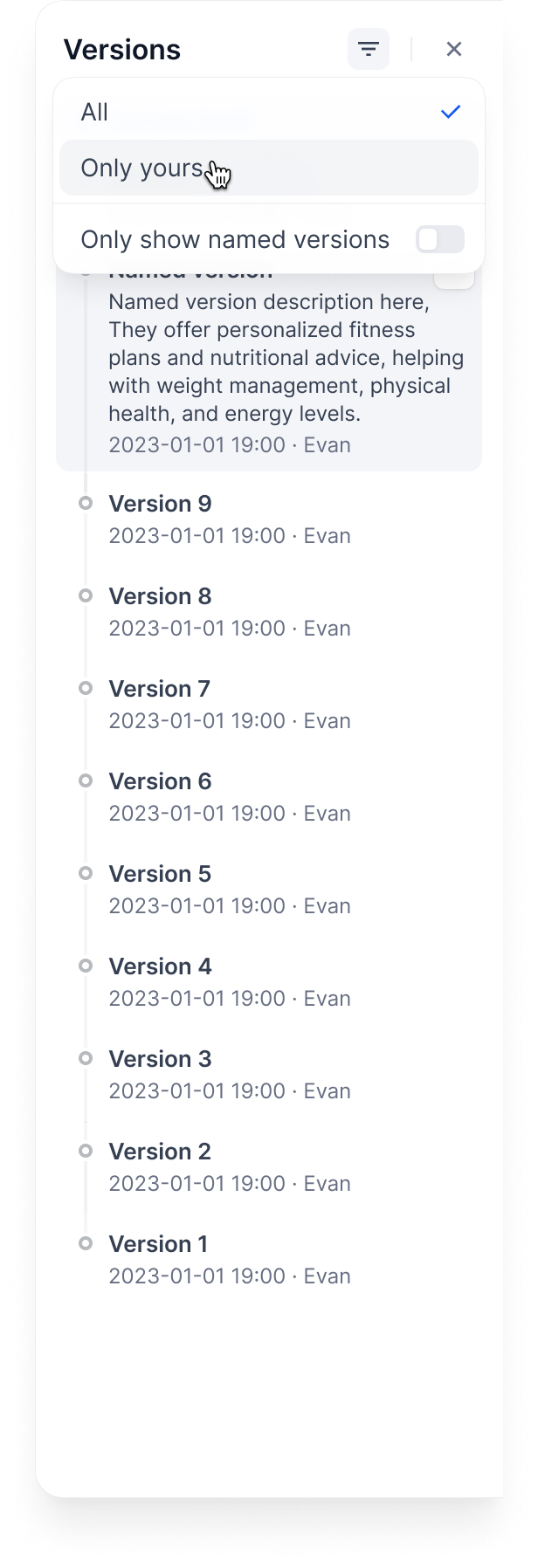
Click the history icon to see all versions: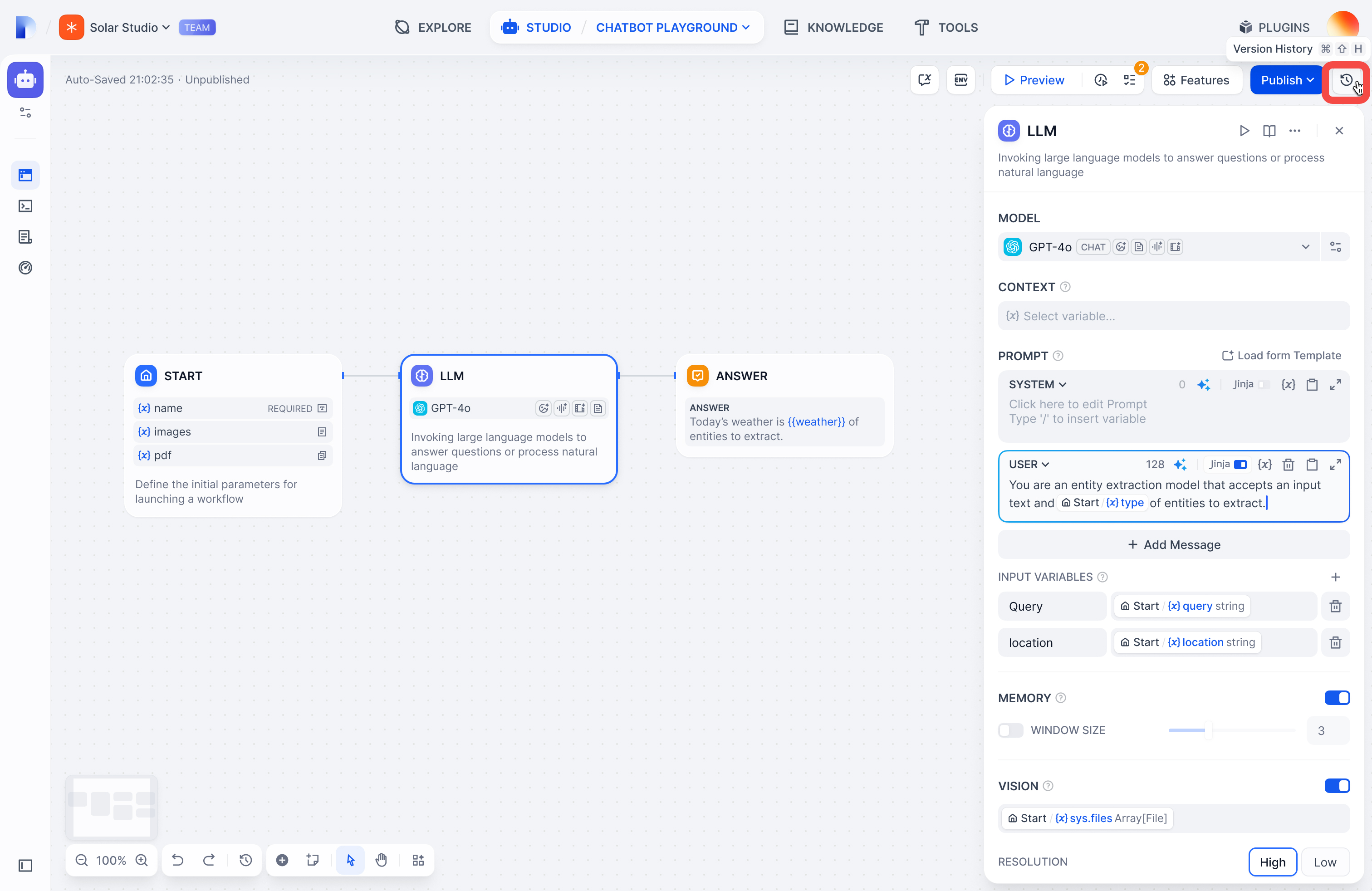 Filter by:
- All versions or only yours
- Only named versions (skip auto-generated names)
Managing versions
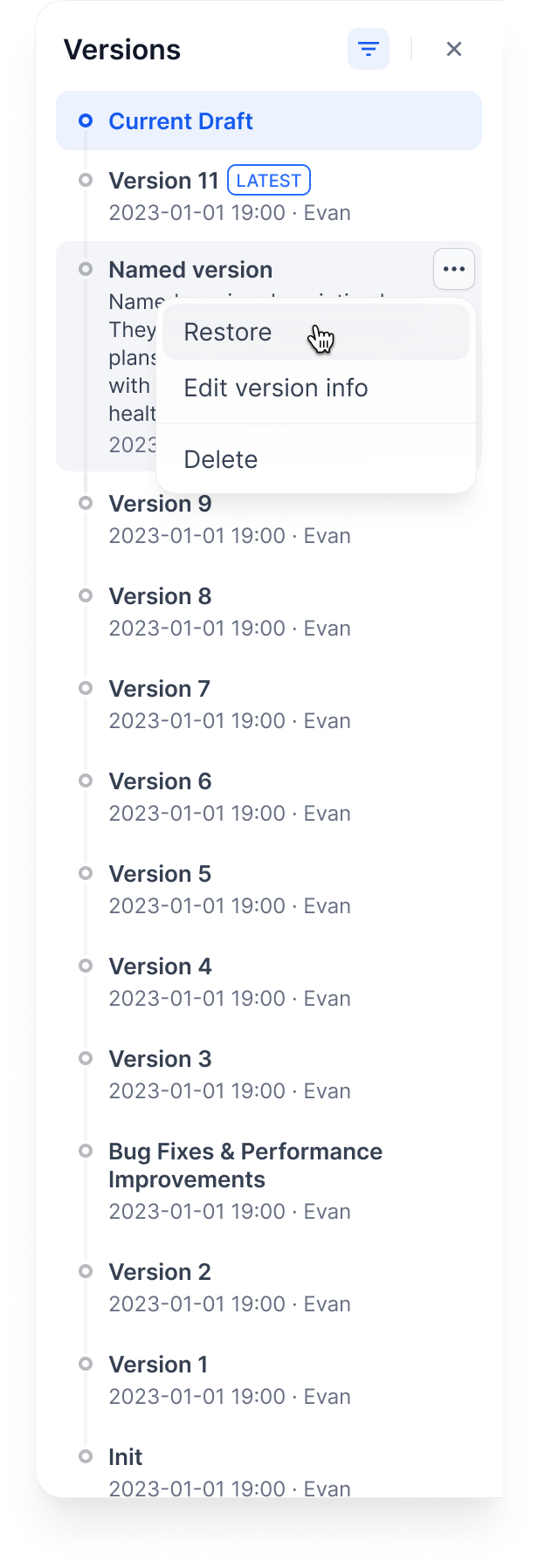
Name a version: Give it a proper name instead of the auto-generated one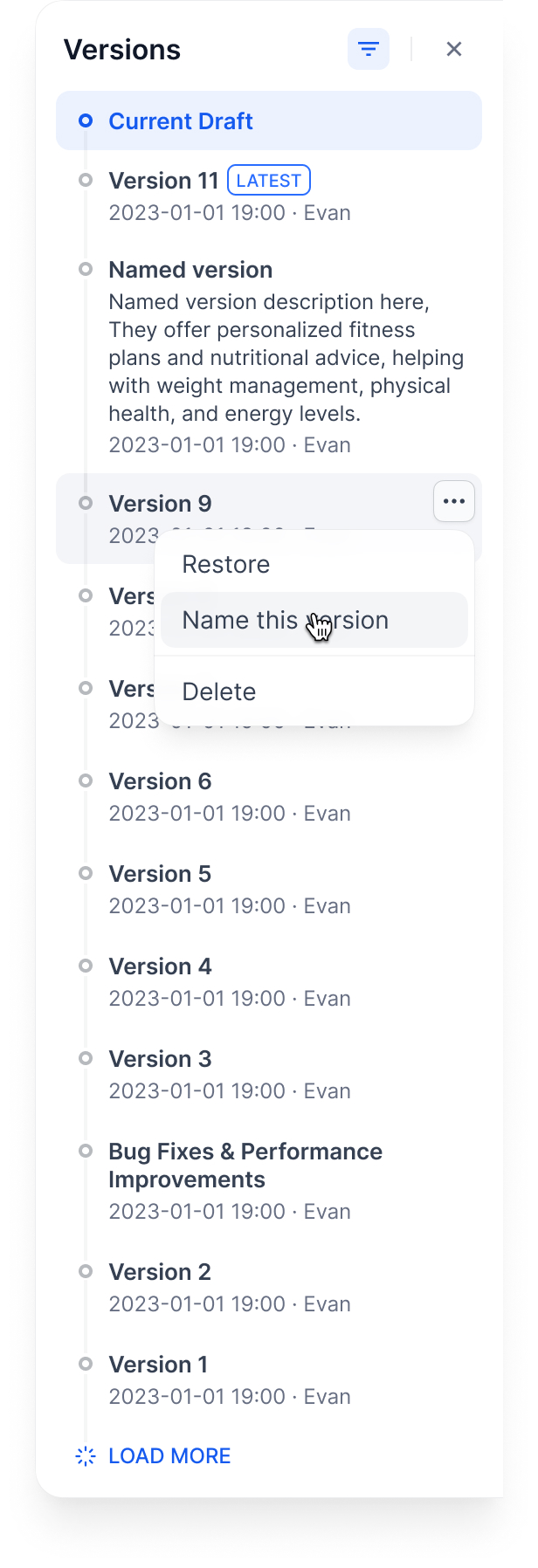 Edit version info: Change the name and add release notes
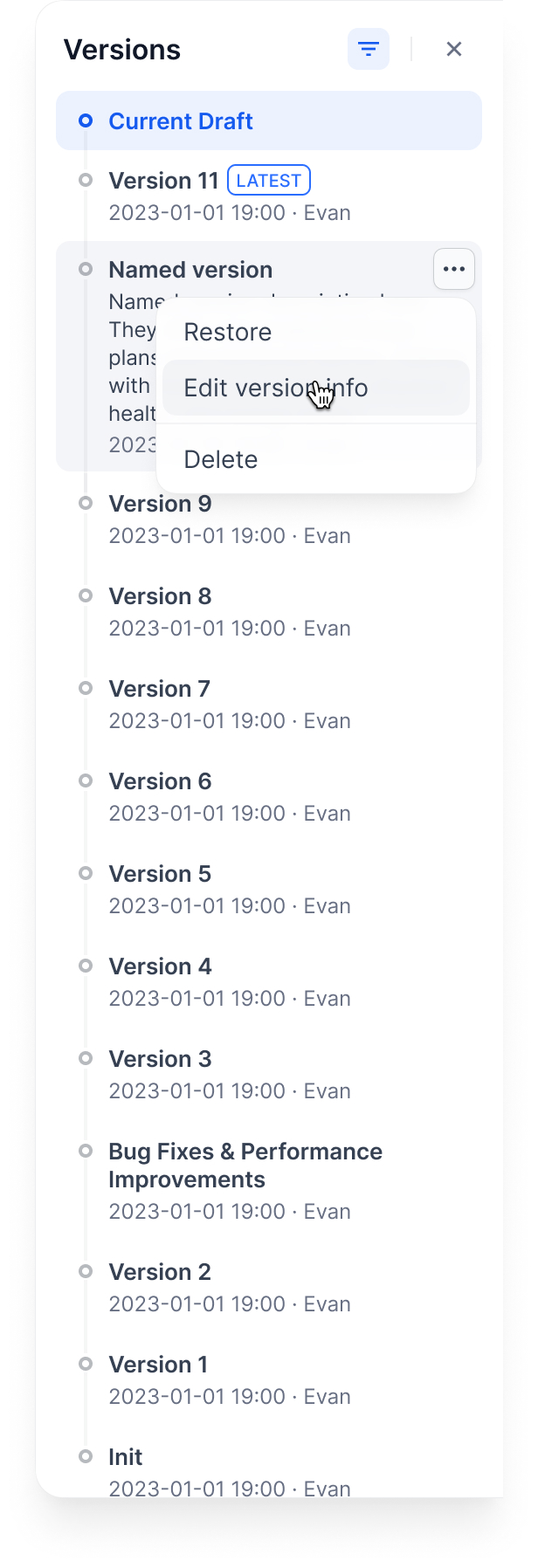 Delete old versions: Clean up versions you don’t need
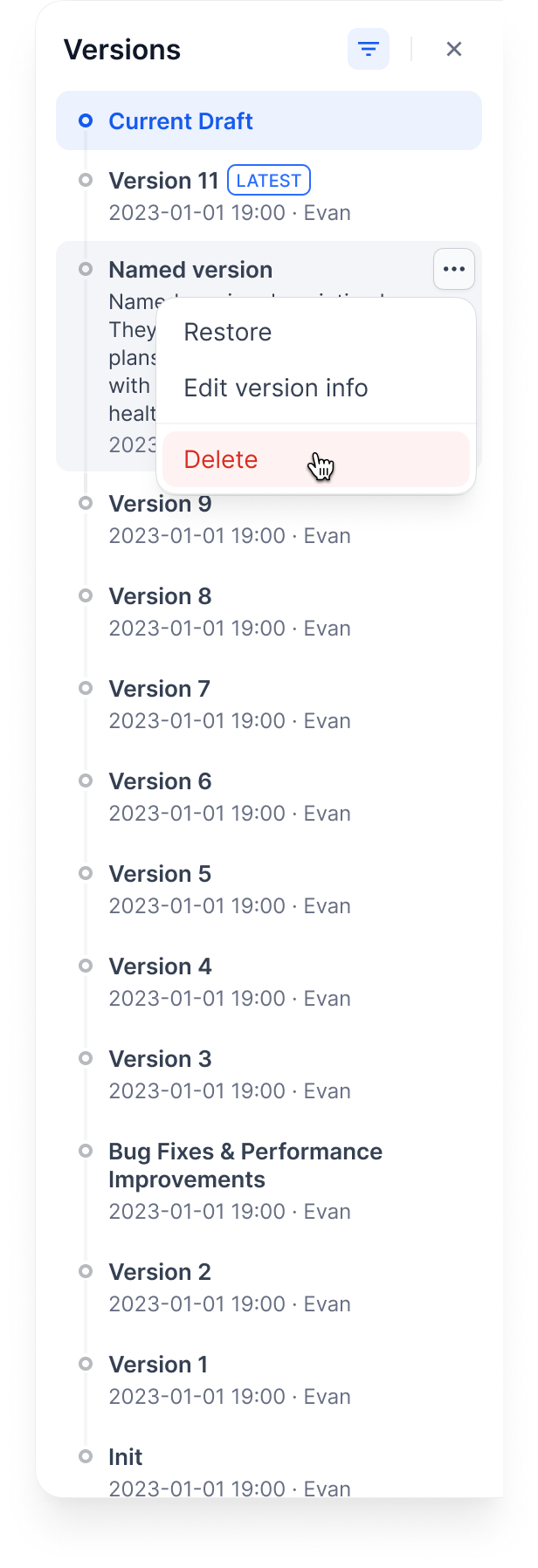 Restore a version: Load an old version back into your draft
Example workflow
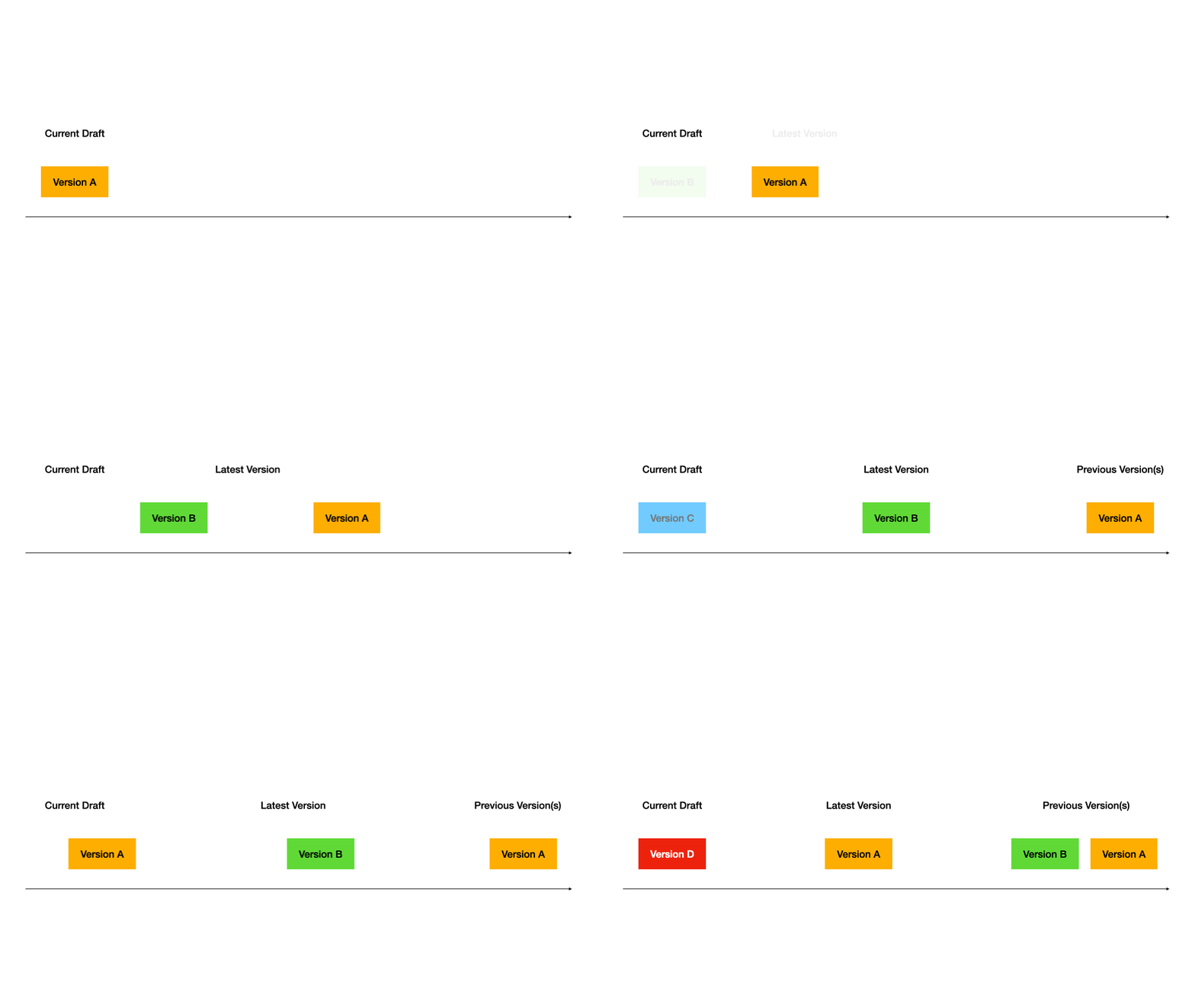
Here’s how versions work through a typical development cycle:1. Start with a draft
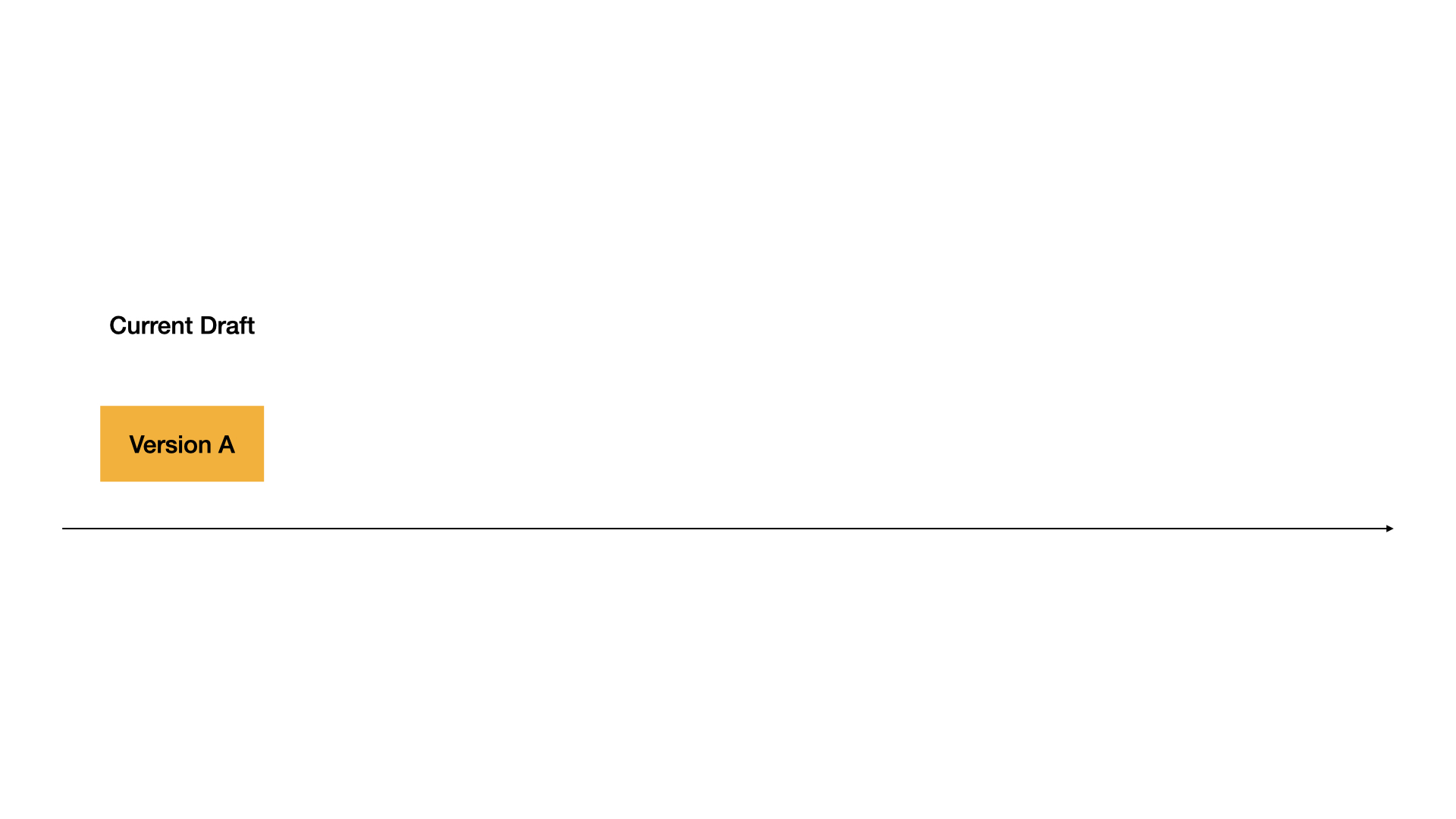
2. Publish first version
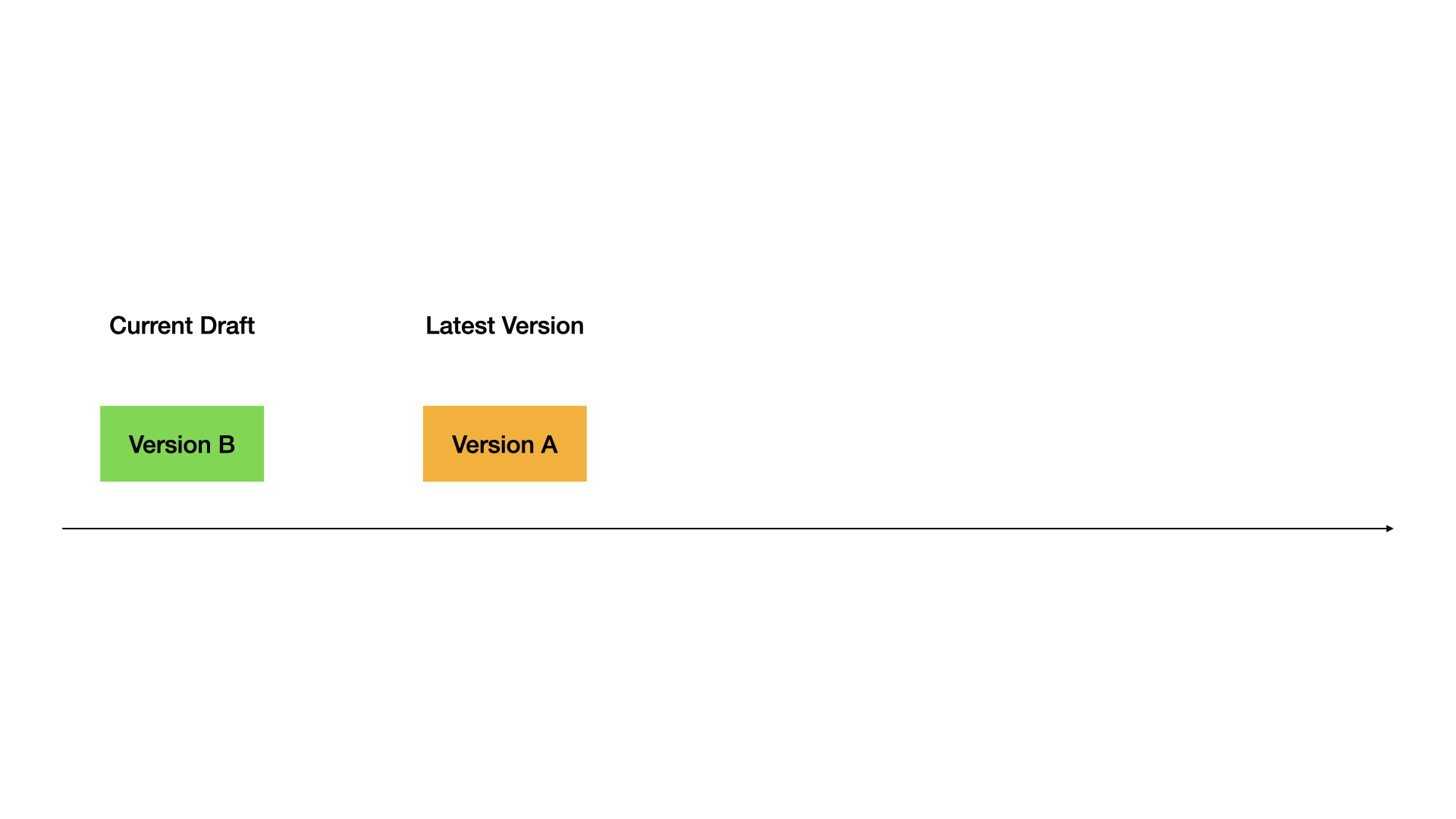
3. Publish second version
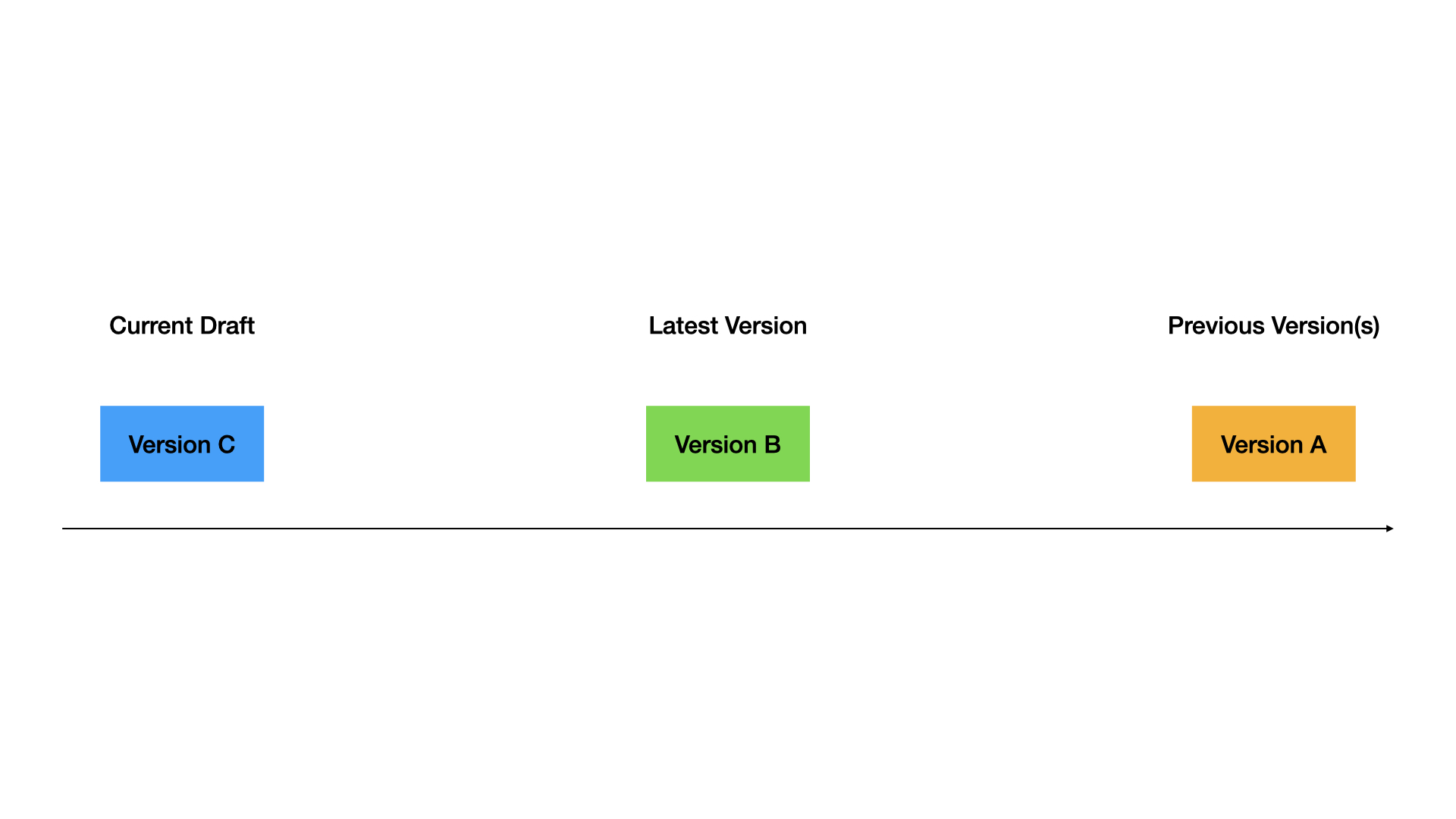
4. Restore old version to draft
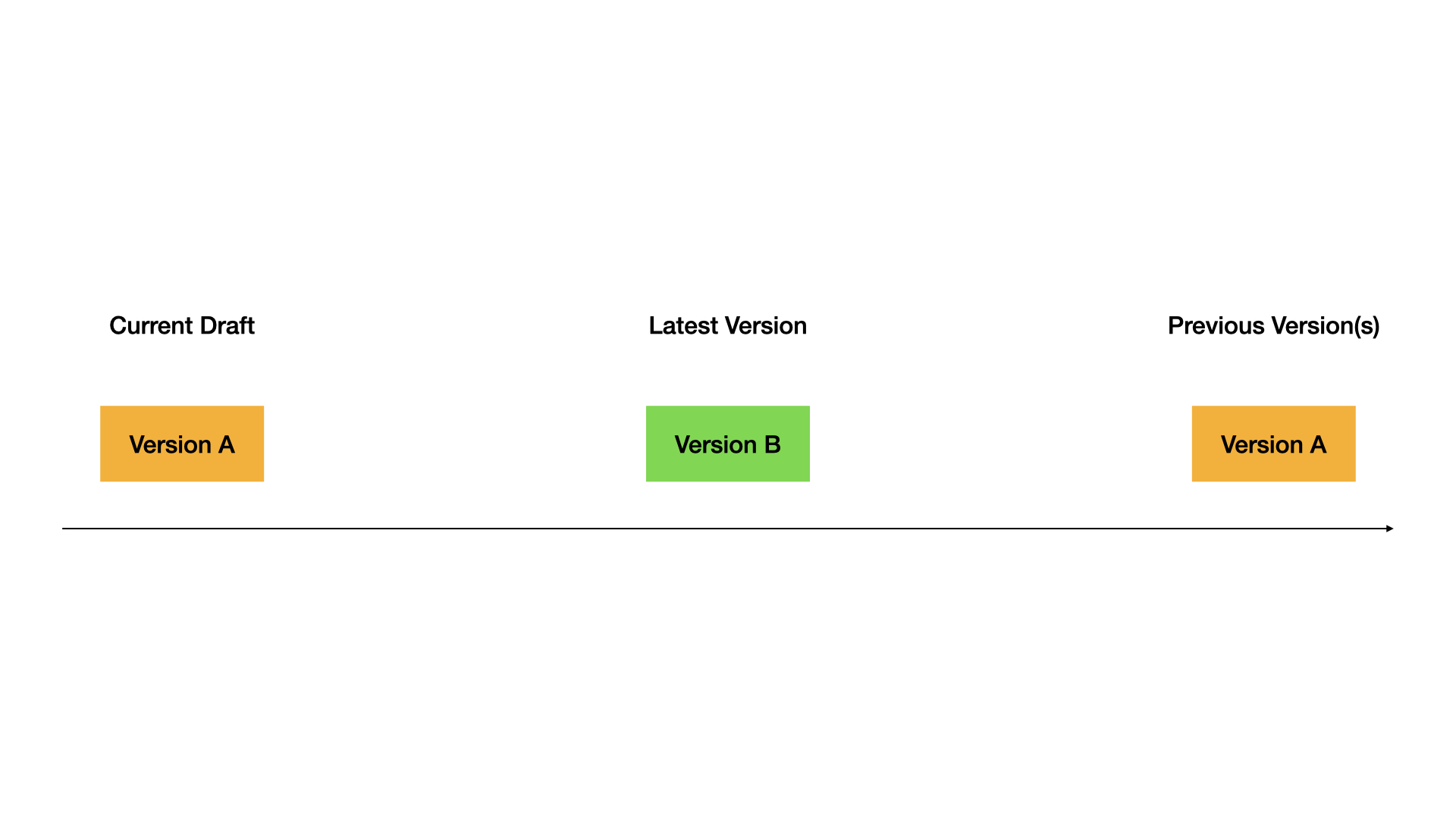
5. Publish the restored version
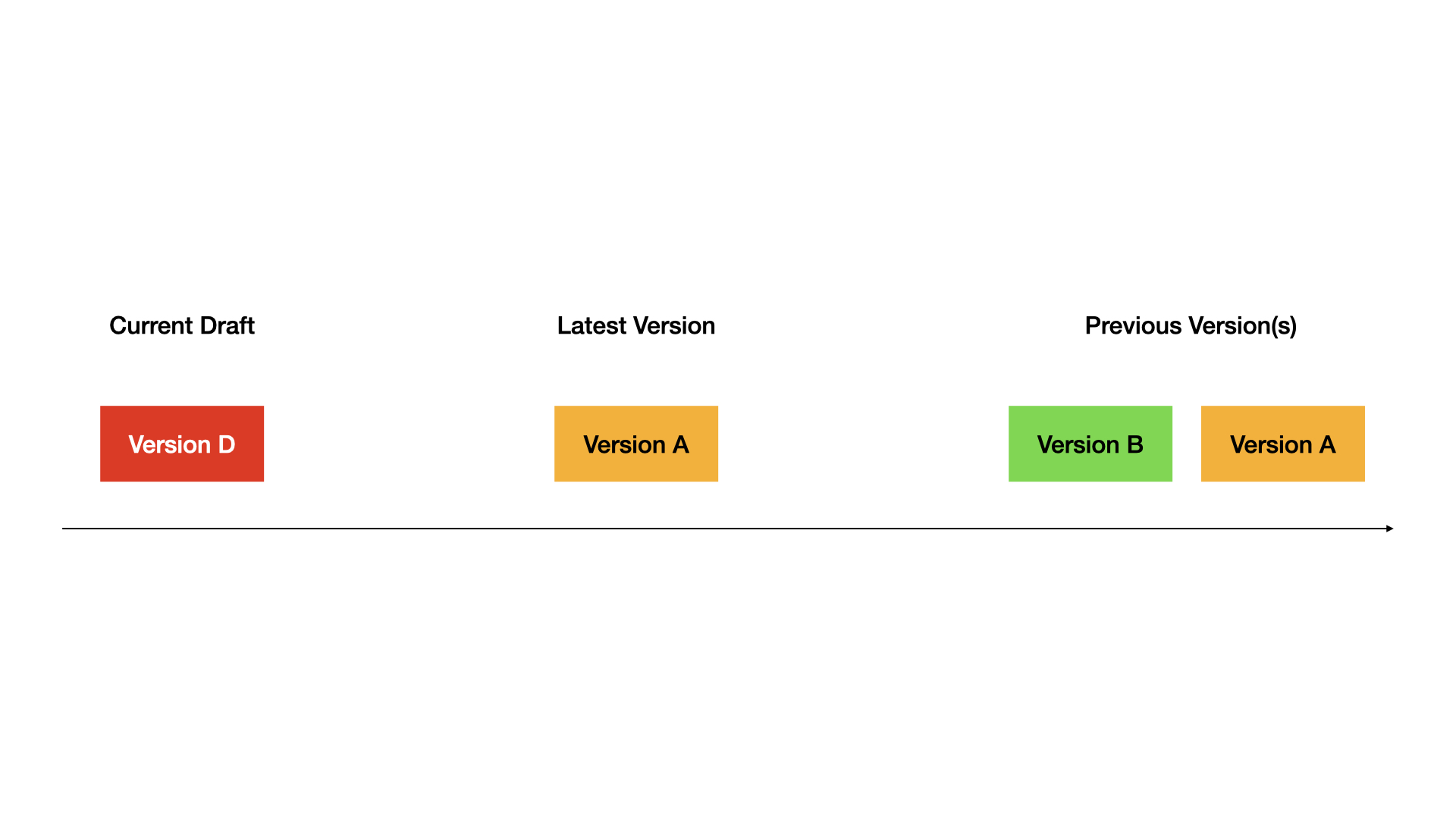 Complete demo:
Tips
- Always test in draft before publishing
- Use descriptive version names for important releases
- Restore versions when you need to rollback quickly
- Keep old versions around for reference